Introduction
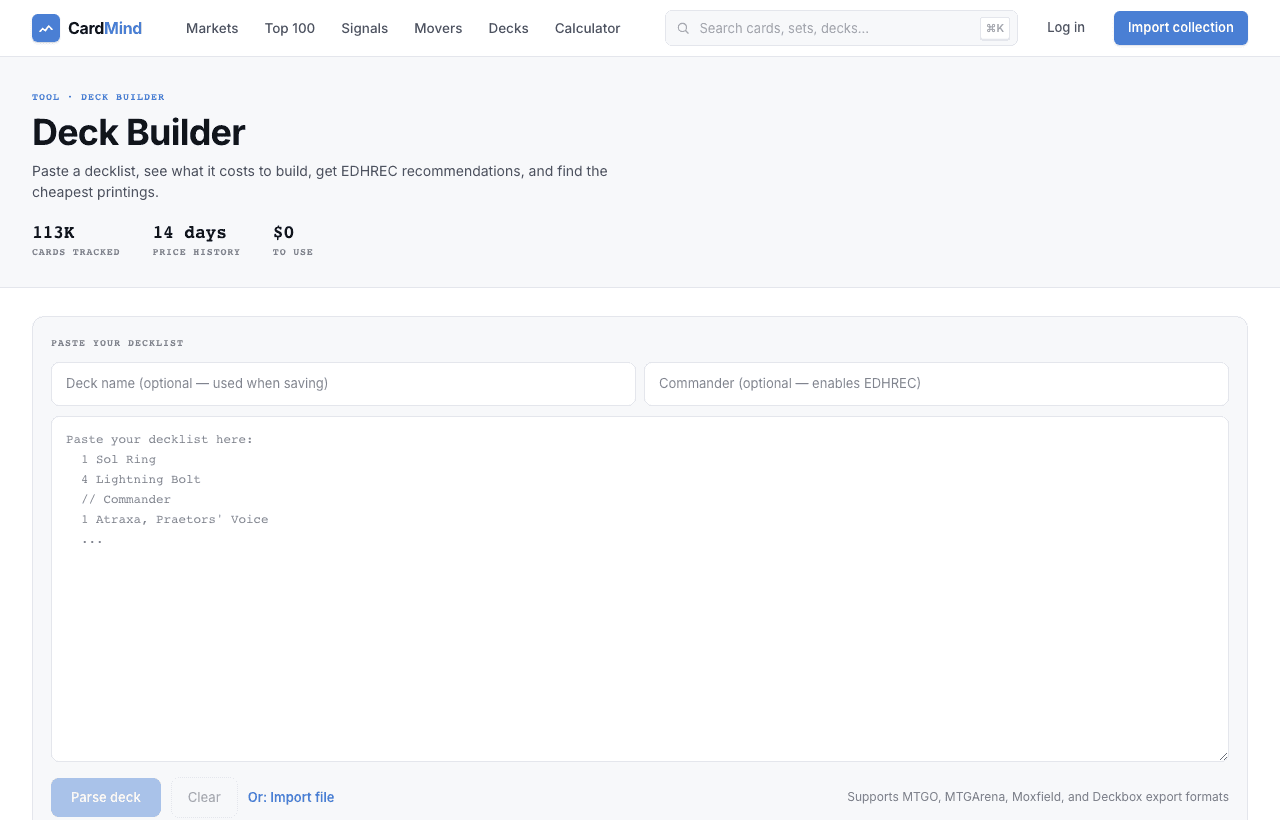
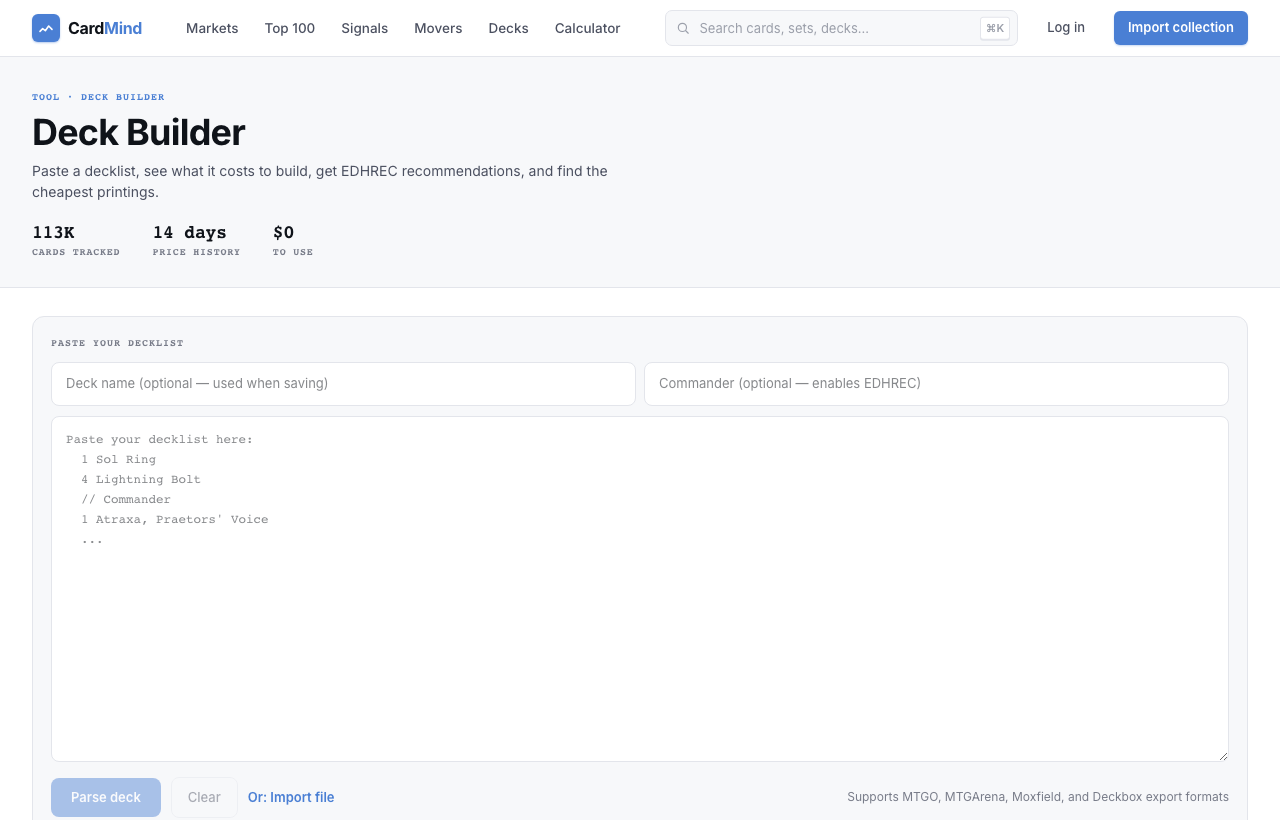
Deck Intelligence parses any Magic: The Gathering decklist and shows you a live cost breakdown using the cheapest available printing for each card. No account required for basic parsing.
It supports MTGO, MTG Arena, Moxfield, and Deckbox decklist formats. Paste your list, add an optional commander name for EDHREC recommendations, and get a complete price breakdown in seconds.
Pasting a decklist
Navigate to /deck-builder and paste your decklist into the text area. The format is flexible. One card per line, quantity first:
1 Sol Ring
4 Lightning Bolt
2 Snapcaster Mage
1 Force of Will
4 Counterspell
Deck Intelligence also reads MTGO trade lists (with set codes like 4 Lightning Bolt [M10]) and MTG Arena format (with arena IDs). Set codes are used to match a specific printing; if no set is specified, the cheapest printing is selected automatically.
Below the decklist area, there is an optional Commander field. Filling this in enables EDHREC integration for your parsed deck.
What you get
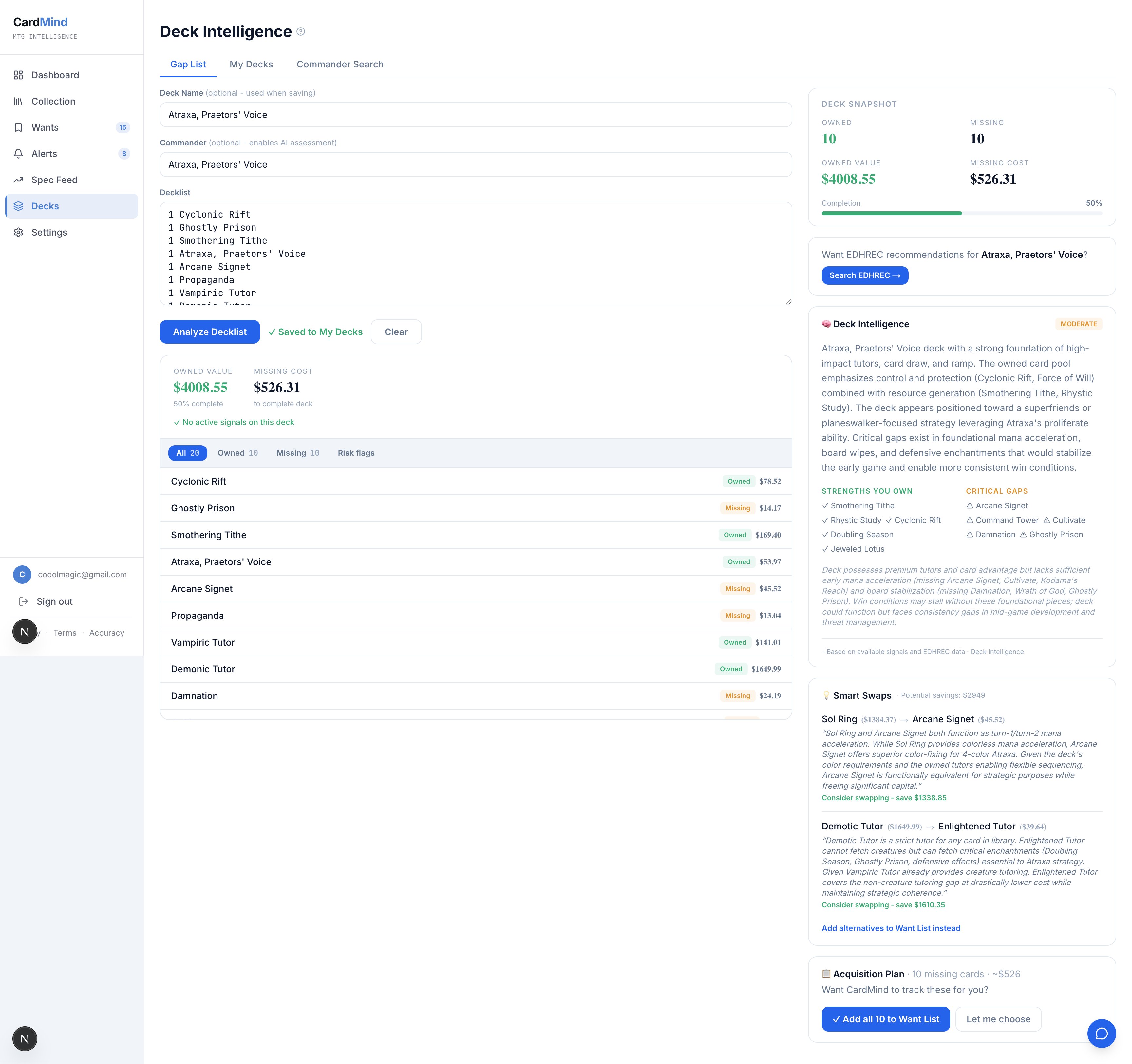
After parsing, Deck Intelligence shows a two-panel view:
Card list panel
Each card in your list gets its own row showing:
- Card name and matched printing (set, collector number)
- Quantity
- Per-card price (cheapest available printing)
- Extended price (quantity × per-card price)
Cards that could not be matched - misspellings, tokens, or cards not in the database - are flagged with a warning so you can correct them.
Cost sidebar
The sidebar shows the total deck cost, the most expensive individual card, and quick action buttons. The total updates instantly if you edit quantities inline.
Cheapest printing matching
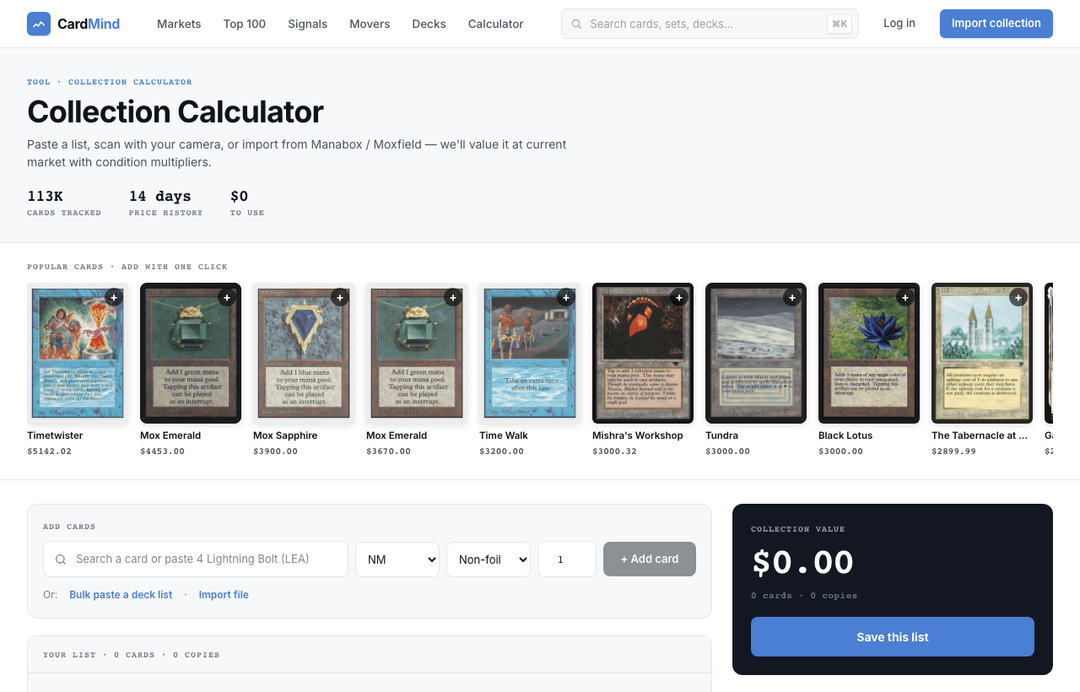
Unlike the Collection Calculator, which matches the highest-priced printing to give you a ceiling value, Deck Intelligence matches the cheapest available printing of each card. This shows you the minimum cost to assemble the deck, which is what most players care about when evaluating whether a build is within budget.
For example, a Sol Ring has been printed dozens of times. The cheapest version might be a Commander precon copy at $2, while the Alpha version costs $4,000+. Deck Intelligence will select the $2 copy unless you specify a set code.
To price a specific printing, include the set code in your paste (e.g., 1 Sol Ring [LEA]). You can also click on any card row after parsing to view all available printings and select one manually.
EDHREC integration
Enter a commander name in the Commander field before parsing to unlock EDHREC data for your list. EDHREC aggregates thousands of EDH decklists and calculates how commonly each card appears in decks built around a given commander.
With EDHREC enabled, each card in your list shows an inclusion percentage, which is the share of decks featuring your commander that also include that card. A card at 84% inclusion is a staple for that commander; a card at 12% is a personal choice or tech card.
EDHREC recommendations also appear as a separate section below your list, showing the top cards for your commander that are not already in your decklist. This makes it easy to identify upgrades and see how they price into your total budget.
What requires an account
Parsing a decklist and seeing the cost breakdown requires no account. Three features require signing in:
- Save deck - Preserves your parsed decklist so you can return to it later. Track account.
- Add to Want List - Adds cards not yet in your collection to a tracked want list with price alerts. Track account.
- AI Assessment- A deep analysis of your deck's strengths, weaknesses, and upgrade paths using your actual collection data and live price signals. Requires a Player plan.
The AI Assessment is the feature that separates Deck Intelligence from a generic deck cost tool. It sees your collection, knows which cards you already own, and cross-references live market signals when making recommendations. A ChatGPT session builds a generic deck. Deck Intelligence builds recommendations around what you actually have.
Ready to try it? Open Deck Intelligence.