Introduction
CardMind is not just a website. It is a data platform. The same price data, signal detection, and AI analysis that power the CardMind dashboard are also available through a REST API and an MCP server, so you can pull MTG market intelligence into Claude Desktop, custom scripts, spreadsheets, or any tool that speaks HTTP.
Every CardMind account includes an API key. No approval process, no waitlist.
API access
With the included API key, you get:
- 1,000 calls per month
- 10 requests per minute rate limit
- Read-only access to card search, prices, signals, and movers
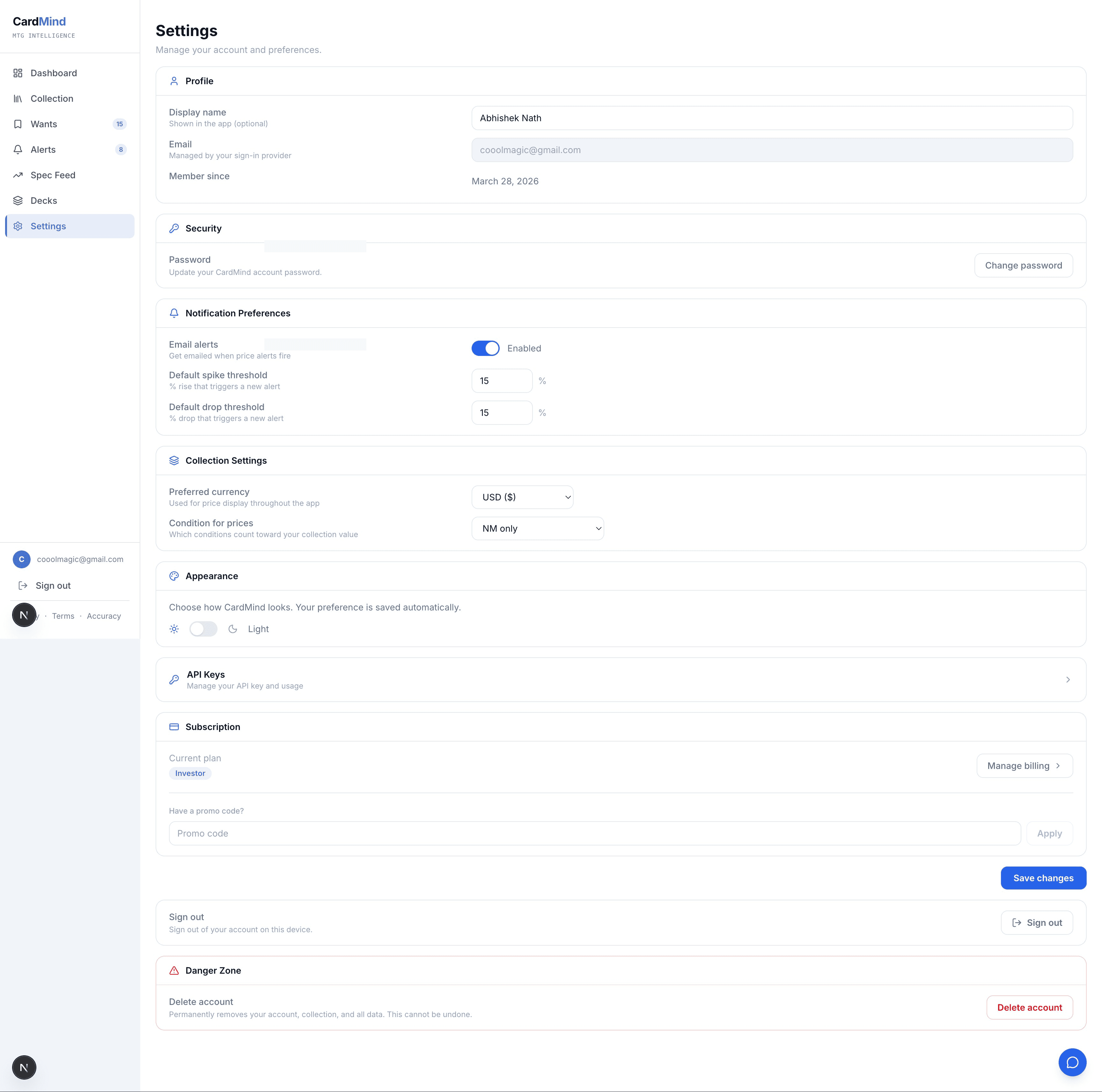
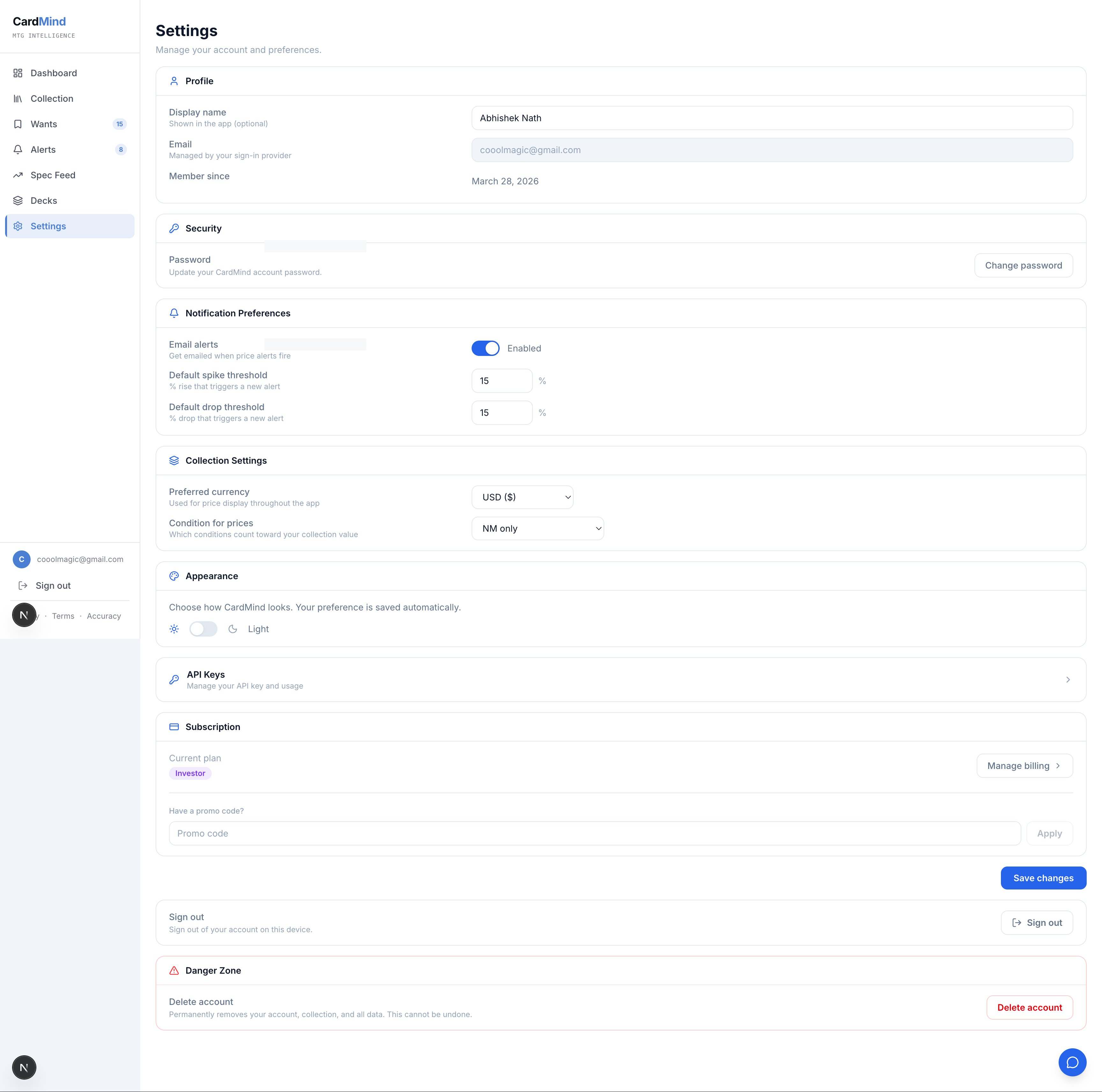
The Track tier is enough to build a personal script, a spreadsheet integration, or a small Discord bot for your playgroup. API keys are generated at Settings › API.
Endpoints
The API base URL is https://api.cardmind.app. All endpoints require the Authorization header: Authorization: Bearer cm_live_YOUR_KEY.
Card search
GET /api/cards/search?q=sol+ring&format=commander

# curl example
curl -H "Authorization: Bearer cm_live_..." \
  "https://api.cardmind.app/api/cards/search?q=sol+ring"
Returns a list of matching cards with name, set, price, and active signals. Supports filtering by format: commander, modern, legacy, pauper.
Card detail
GET /api/cards/[id]

# Returns full card data with price history and signals
curl -H "Authorization: Bearer cm_live_..." \
  "https://api.cardmind.app/api/cards/550c74d4-1fcb-406a-b129-2a6e0ac19e07"
Price movers
GET /api/prices/movers

# Top gainers and losers in the past 24 hours
curl -H "Authorization: Bearer cm_live_..." \
  "https://api.cardmind.app/api/prices/movers"
Price history
GET /api/prices/history/[id]

# 90-day price history for a specific card
curl -H "Authorization: Bearer cm_live_..." \
  "https://api.cardmind.app/api/prices/history/550c74d4-1fcb-406a-b129-2a6e0ac19e07"
Recent signals
GET /api/signals/recent

# Latest fired signals across the catalog
curl -H "Authorization: Bearer cm_live_..." \
  "https://api.cardmind.app/api/signals/recent"
Python example for pulling recent signals:
import requests

headers = {"Authorization": "Bearer cm_live_YOUR_KEY"}
r = requests.get("https://api.cardmind.app/api/signals/recent", headers=headers)
signals = r.json()["signals"]

for s in signals:
    print(f"{s['card_name']} - {s['signal_type']} ({s['confidence']})")
JavaScript / Node.js example:
const res = await fetch("https://api.cardmind.app/api/signals/recent", {
  headers: { "Authorization": "Bearer cm_live_YOUR_KEY" },
});
const { signals } = await res.json();
signals.forEach(s => console.log(s.card_name, s.signal_type));
MCP protocol
The Model Context Protocol (MCP) is the standard way to wire external data sources into AI assistants like Claude Desktop. CardMind's MCP server exposes five tools that Claude can call during a conversation:
search_cards- Search by name, set, or formatget_card- Full card detail with price and signalsget_price_movers- Top gainers and losersget_signals- Recent fired signalsanalyze_card- AI analysis for a specific card (MCP Premium)
Once configured, you can ask Claude: “What MTG cards spiked this week?” or “Is Mana Drain showing any signals right now?” and get live CardMind data in the response.
MCP configuration for Claude Desktop:
{
  "mcpServers": {
    "cardmind": {
      "url": "https://api.cardmind.app/mcp",
      "headers": {
        "Authorization": "Bearer cm_live_YOUR_KEY"
      }
    }
  }
}
Add this to your Claude Desktop config file and restart the app. The CardMind tools will appear in Claude's tool list automatically.
MCP Premium ($29/month add-on)
MCP Premium is an add-on that works with any collector tier. You can be on the free tier and add MCP Premium, or combine it with Player or Investor. It includes:
- Unlimited API calls - No monthly cap, 60 requests per minute
- Webhook registrations - Receive HTTP POST requests when a signal fires on cards you specify
- AI analysis endpoint - Call
analyze_cardvia API or MCP, same analysis as the dashboard - Full MCP protocol access - All 5 MCP tools, including
analyze_card
Webhook registrations let you push signal data into any system. Register a URL, specify which cards or signal types to watch, and CardMind will send a POST request within minutes of a signal firing.
Use cases
- Discord bot - Post price alerts to your playgroup server when a card you are watching moves
- Spreadsheet integration - Pull live prices into Google Sheets via the API using Apps Script
- Custom dashboard - Build a personal view with exactly the metrics you care about
- Automated tracking - Watch a list of spec targets and get a webhook when a signal fires on any of them
- Claude conversations - Ask Claude about your collection, market movers, or specific cards and get live data inline
Getting started
- Create a CardMind account at cardmind.app/auth/signup
- Go to Settings › API
- Click Generate API key
- Test your key:
curl -H "Authorization: Bearer cm_live_YOUR_KEY" \ "https://api.cardmind.app/api/cards/search?q=sol+ring" - Explore the full documentation at
api.cardmind.app/docs
For MCP setup, copy the config JSON above into your Claude Desktop settings and replacecm_live_YOUR_KEY with your actual key. The CardMind tools will be available in your next Claude conversation.
CardMind provides market data for informational purposes only. Nothing on this site constitutes financial advice. MTG card prices are volatile and past performance does not guarantee future results.